
Take your time back
Choose the apps that pull you away. Set your time. Start a Block. DeepLock shields those apps until the timer ends.
Coming soon to the App Store
Focus
Focus on what needs to get done.
Set the task, start a Block, and keep distractions out while you work.
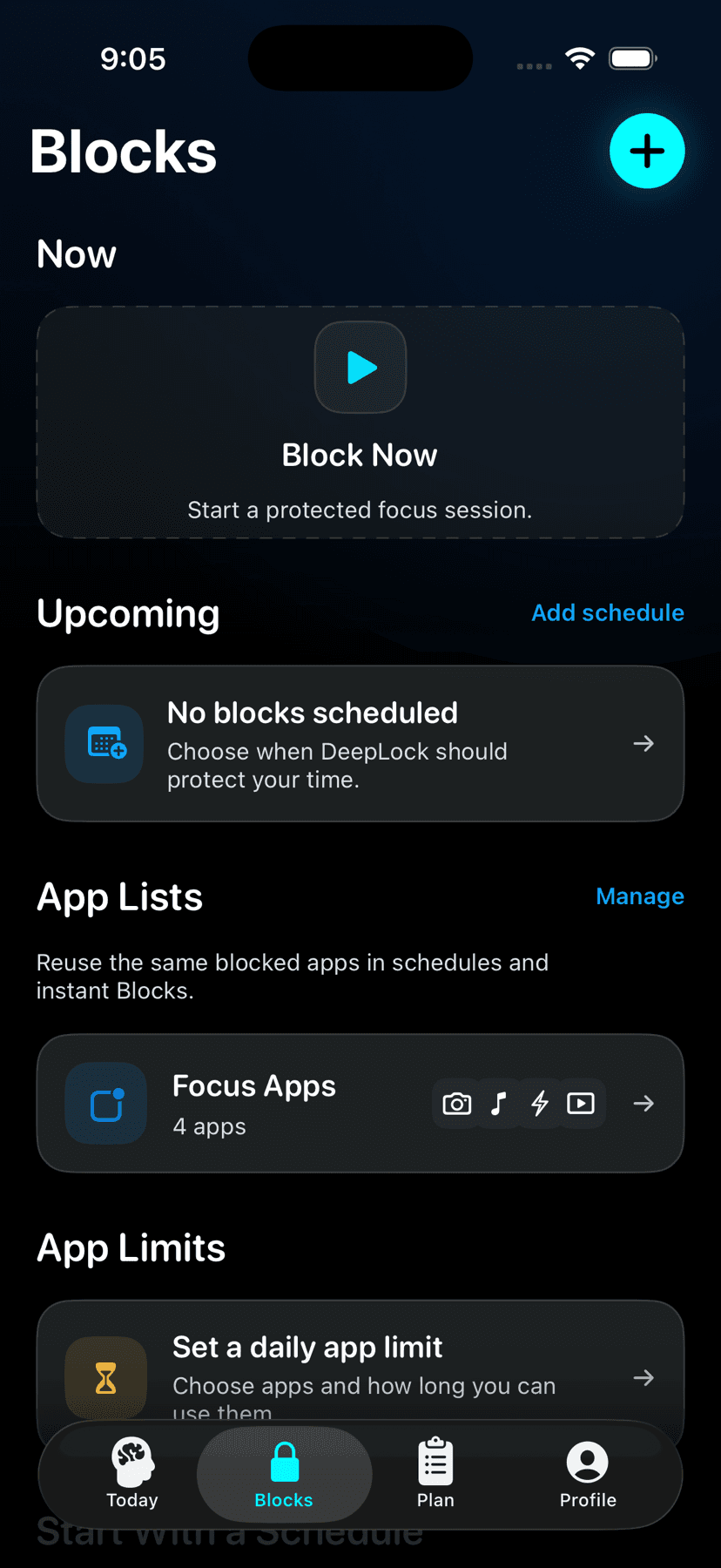
Blocks
Protect your time.
Choose what to block, set your time, and begin. DeepLock keeps distractions out while you work.
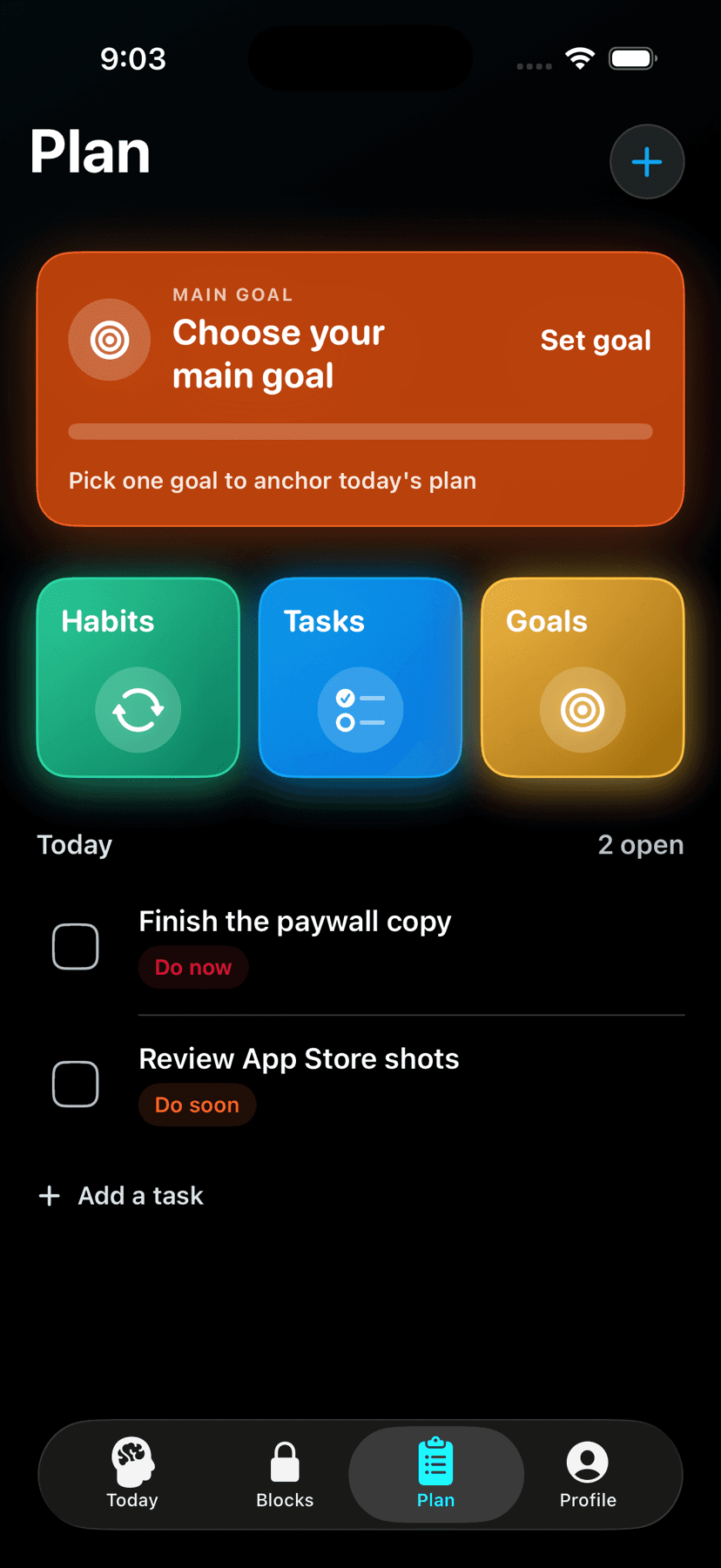
Plan
Know what comes next.
Set your work before you start. Your Plan keeps the next Block clear and close.
Home
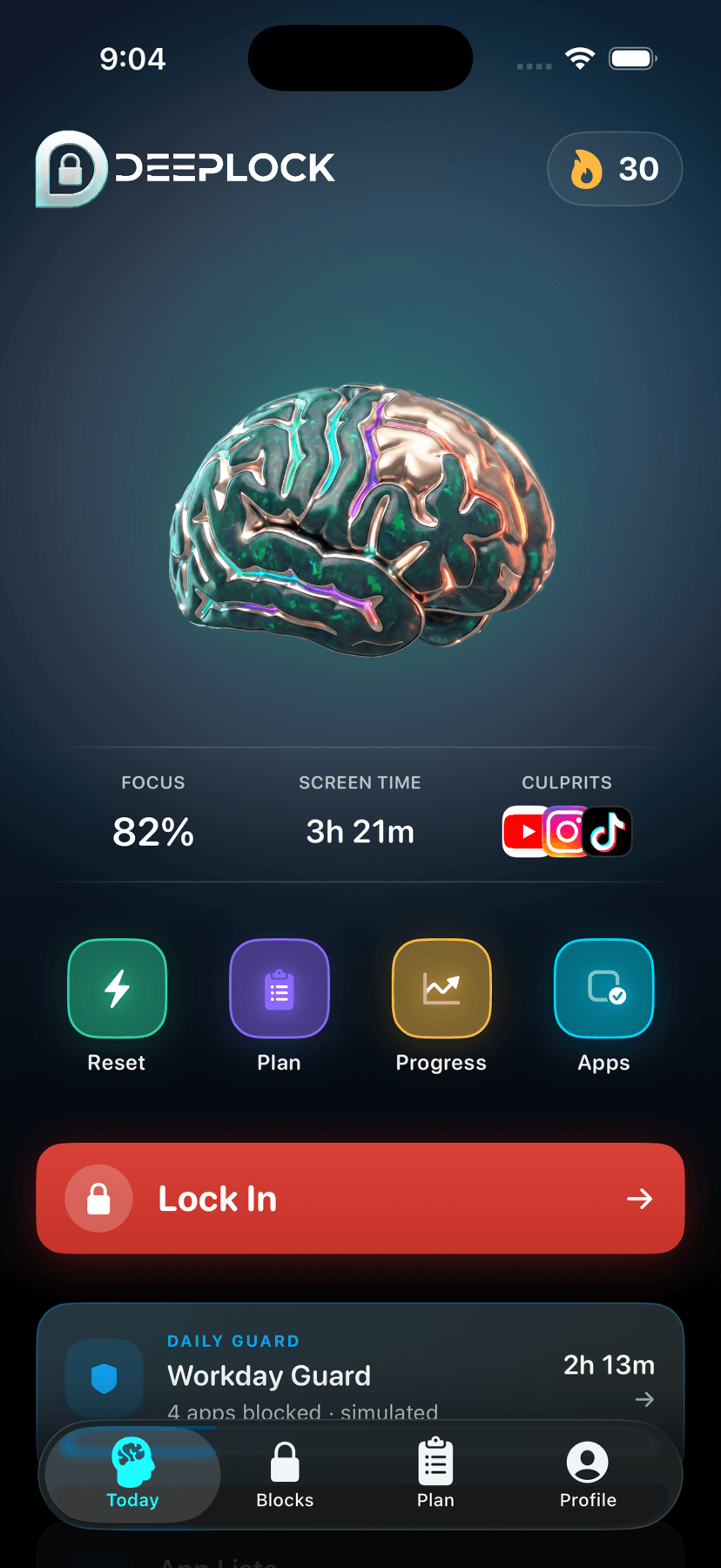
See today. Start the next Block.
Home keeps your current day and next action in one place.
Progression
See what your protected time builds.
DeepLock’s Brain Tree is designed around three paths: Protected Time, Deep Work, and Consistency.
Q&A
What does DeepLock do?
Pick the apps that pull you away, choose a duration, and start a Block. DeepLock keeps those apps out of reach until the timer ends.
Can DeepLock see which apps I pick?
No. DeepLock never receives app names. Your selections stay on your iPhone.
What happens if I end a Block early?
DeepLock ends the shield and makes your selected apps available again. Only completed Blocks count toward your protected-time progress.
How old do I have to be?
13 and up. DeepLock asks for date of birth during setup and will not continue below that age.
How do I cancel my subscription?
Open Settings on your iPhone, tap your name, tap Subscriptions, choose DeepLock, then tap Cancel Subscription.
What if I need help?
Email deeplocksupport@gmail.com.
DeepLock for iPhone
Put a boundary around your next hour.
Coming soon to the App Store